Jot down yer email, and we’ll be sure to let ye know when there’s something new on the horizon.
You have been out in Leonida for hours, and it is finally time to call it a night. So you open the pause menu, look for the quit button, and… nothing. That is not you missing something. GTA VI doesn’t have one!
How to quit GTA VI
You can’t quit GTA VI from inside the game. There is no option to quit the game in any menu in GTA VI. To quit the game, you must save your game first, then close it from your console. You don’t have to manually save, but it is a good idea if you don’t want to lose any progress.
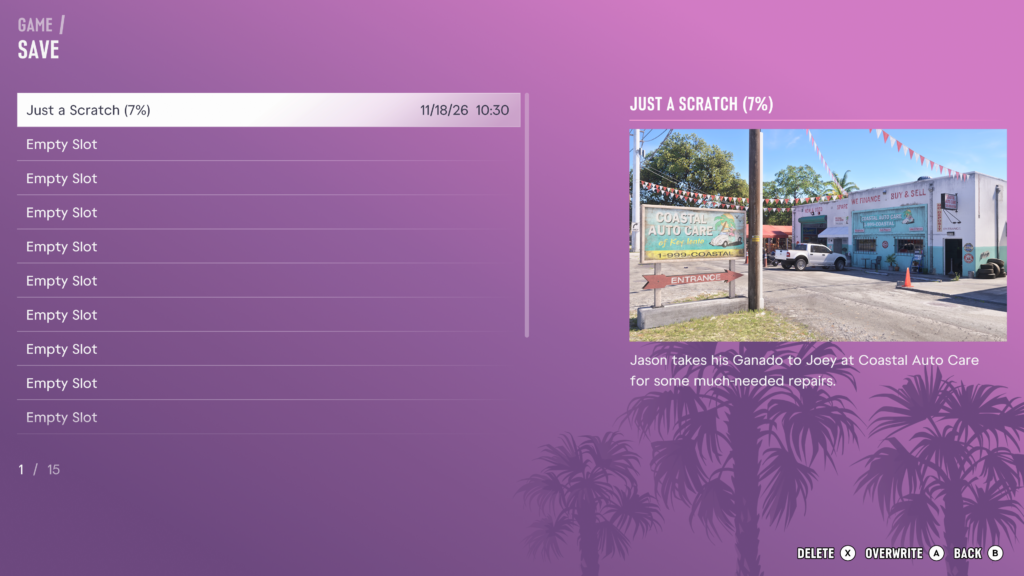
Pause the game, select Game, and then select Save Game.
Pick a slot and save.
Go to your console’s home screen.
Select GTA VI and close the game using your console.
How to quit GTA VI on Xbox
To quit GTA VI on Xbox, save your game, then press the Xbox button to open the guide. Highlight GTA VI, press the Menu button, and select Quit.
How to quit GTA VI on PS5
To quit GTA VI on PS5, save your game, then press the PS button and go to the home screen. Highlight GTA VI, press the Options button, and select Close Game.
Can you quit to the main menu?
No, you can’t quit to the main menu in GTA VI. There is no option for it in the pause menu.
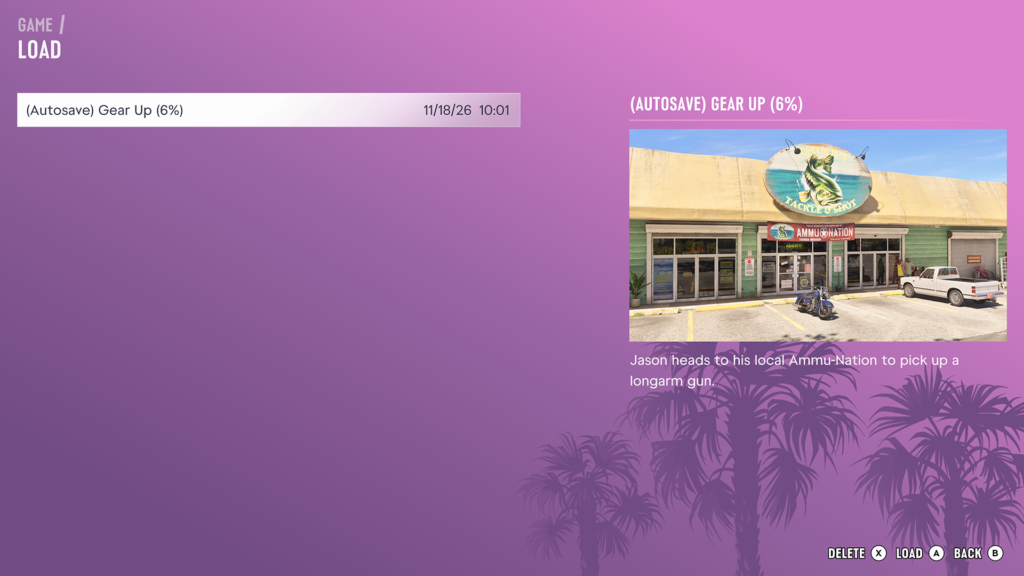
If you want to load a different save, you don’t need to go back to the main menu. Pause the game, select Game, and then select Load Game. You can find out more in our guide on how to save your game here.
Do you need to save before you quit?
It is always a good idea to save before you quit. GTA VI autosaves as you play, but a manual save makes sure you pick up exactly where you left off.